Every ancestor, a star you can visit.
Upload your family tree and see generations spread out around you like a galaxy. Follow a bloodline back three hundred years, find where everyone lived, and share the wonder with the people it belongs to.
Works with your GEDCOM from Ancestry, MyHeritage, Findmypast and more. No card needed.
Your direct bloodlineBlood relativesFamily by marriage
Four ways to see your family
The same tree, seen four ways. Move between them in a click, and wherever you go, the person you're looking at comes with you.
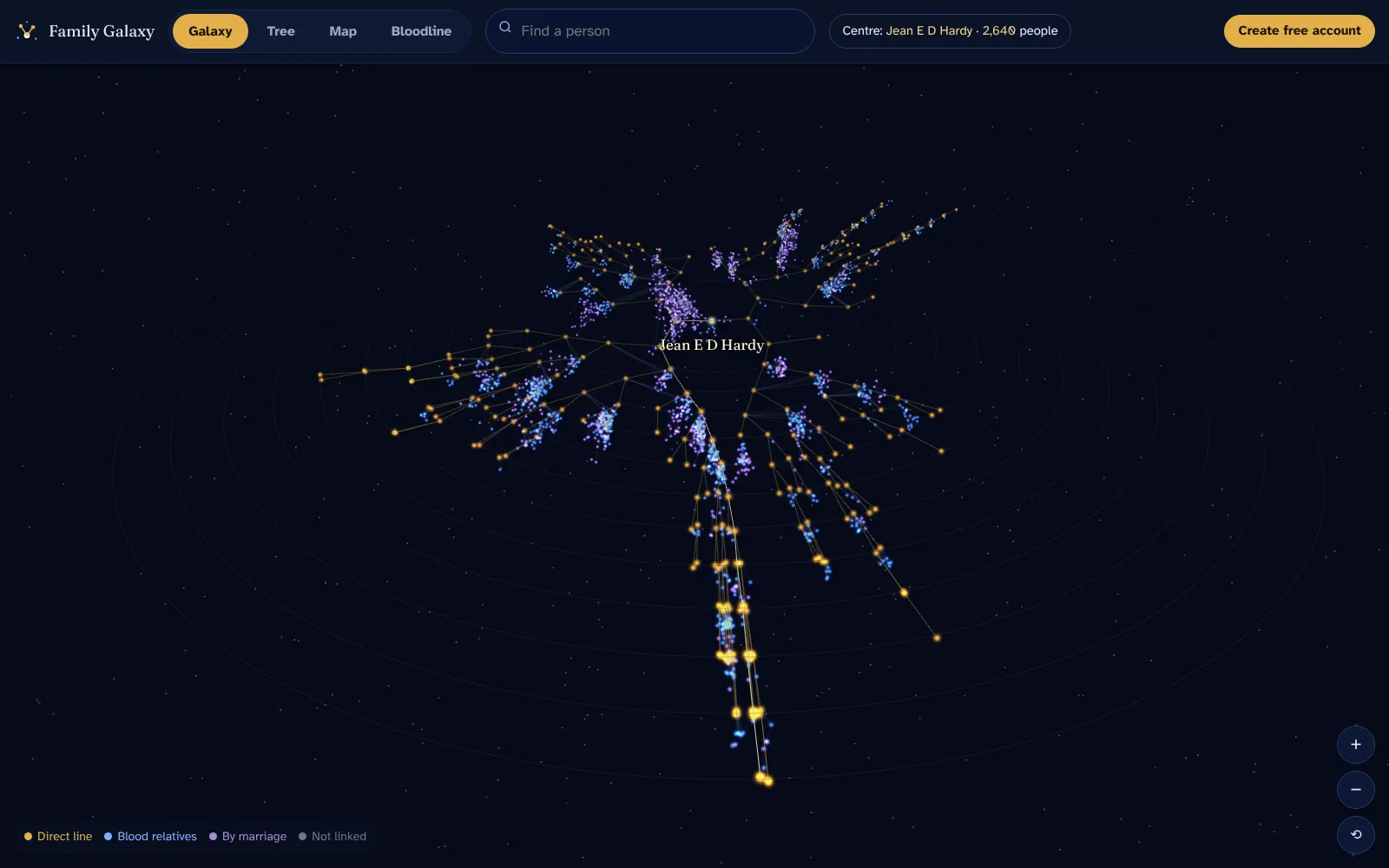
Galaxy
Your whole tree in 3D. The home person sits at the centre, each generation of ancestors forms a ring further out, and gold threads trace your direct line. Cousins, aunts and in-laws gather around the ancestors they descend from.
- Spin, zoom and fly to anyone
- Hover any star to see who it is
- Light up a bloodline across the whole galaxy
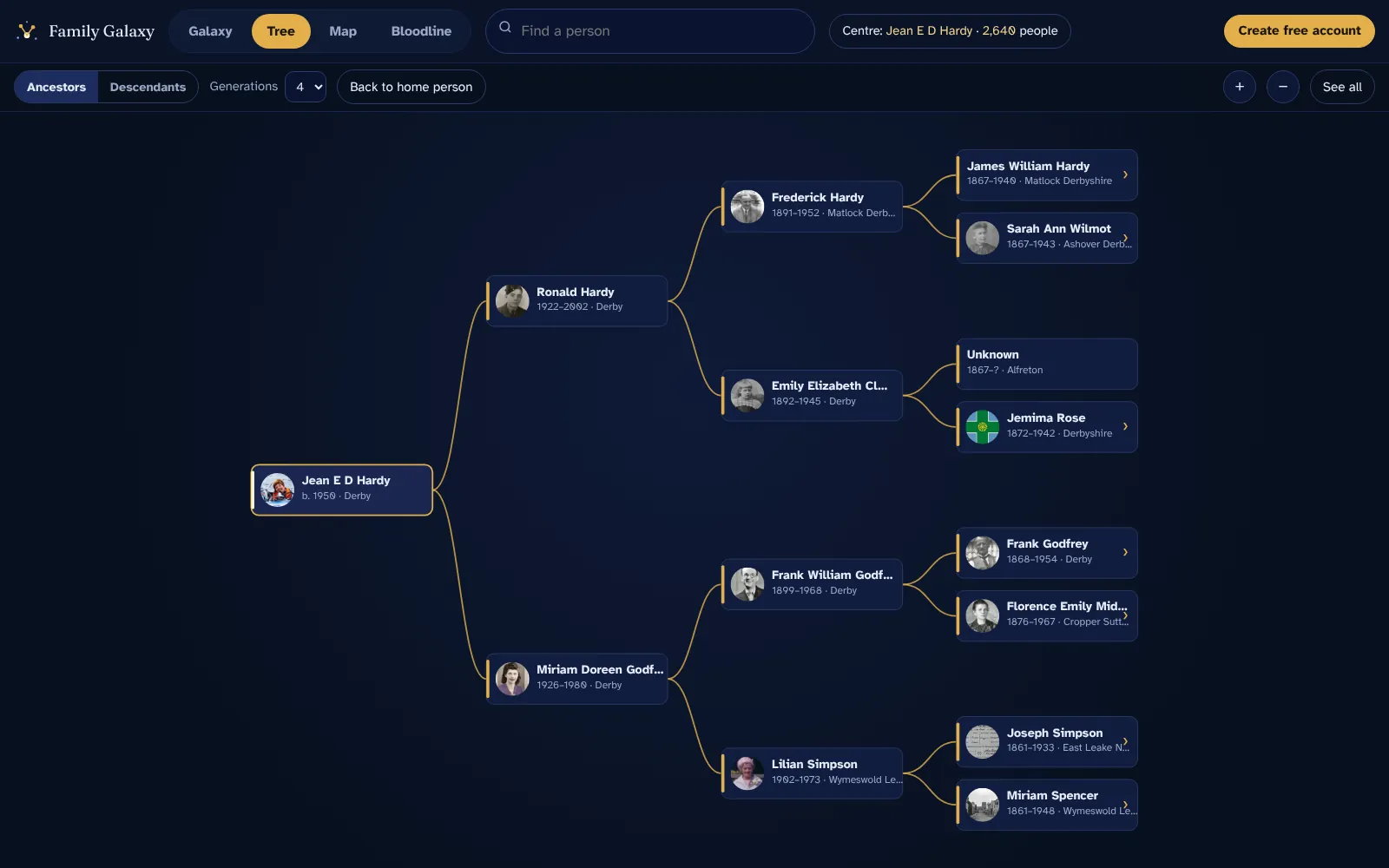
Tree
The familiar family-tree chart, done properly. Switch between ancestors and descendants, choose how many generations to show, and click any card to step to that person.
- Up to eight generations at once
- Your direct line highlighted in gold
- Large, clear cards that are easy to read
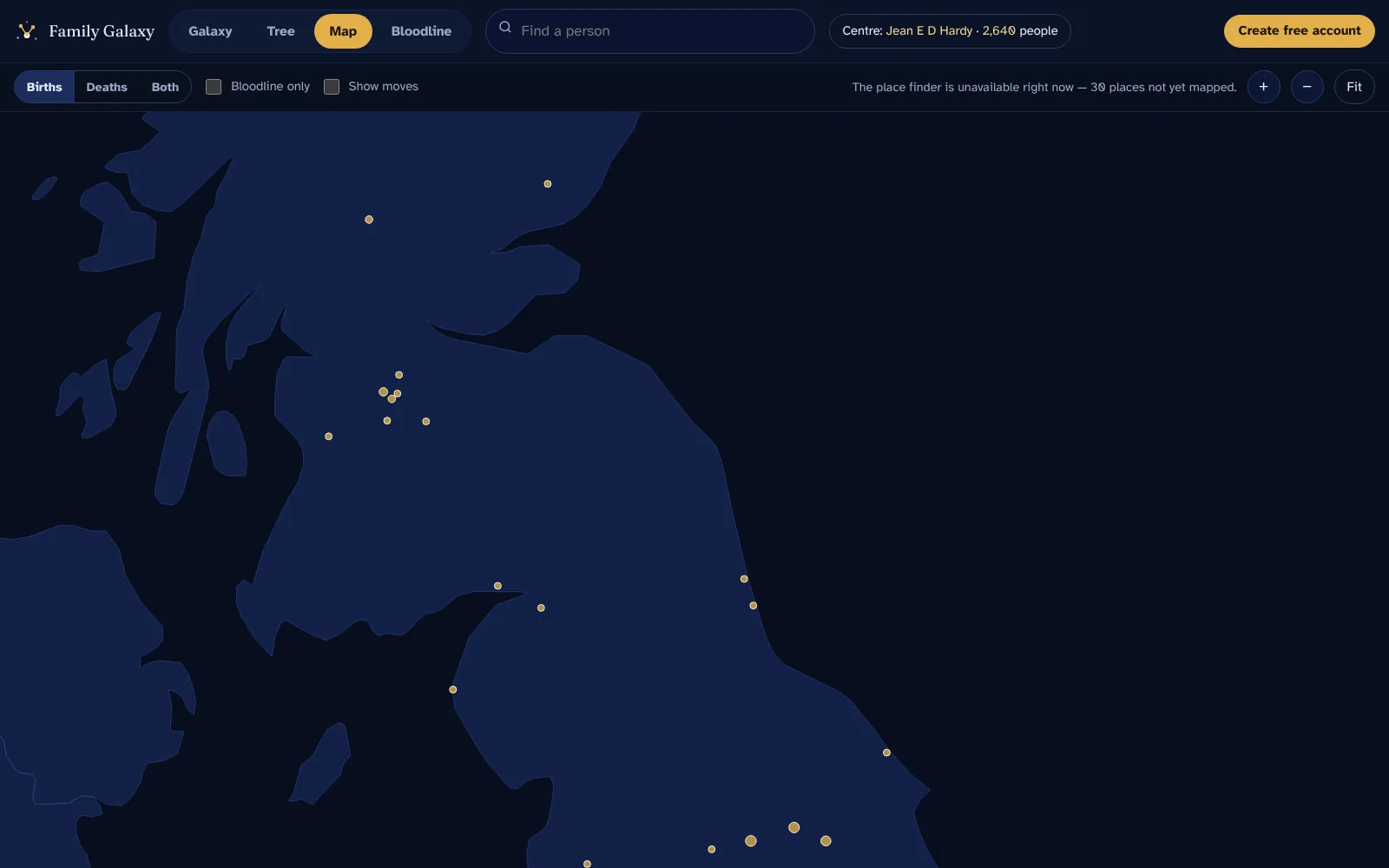
Map
See where your family was born and where they died. Bigger circles mean more of your family. Turn on moves to see who left home, and how far they went.
- Births, deaths or both
- Show only your direct bloodline
- Tap a place to see everyone connected to it
Bloodline
Watch your family arrive through time. Each ancestor rises as a light in the year they were born, couples drift together, and when someone dies their star joins a heart that fills over the centuries — until you're born at the centre.
- Your father's and mother's sides in their own colours
- Music, full screen and speed controls — made for sharing
- Pick anyone to see exactly how you're connected, from "3× great-grandmother" to "2nd cousin twice removed"
From file to galaxy in three steps
Export your tree
Download a GEDCOM file from Ancestry, MyHeritage, Findmypast or your family tree software. Here's how.
Upload it here
Create a free account and drop the file in. We check it and count everyone in it in a few seconds.
Explore
Open the galaxy. Search for anyone, follow your bloodline, and see where it all began.
Your family stays yours
Family trees are full of names, dates and places of people you love. We treat them that way.
Read our privacy policy
- Private by defaultOnly you can see your tree when you're signed in.
- Never sold or sharedNo advertisers, no data brokers, no genealogy companies.
- Delete any timeRemove your tree or your whole account in one step.
- Built for every eyeLarge text, high contrast and full keyboard support, because family history is for everyone.
Questions people ask
What is a GEDCOM file?
GEDCOM is the standard file format for family trees. Almost every family history website and program can export one. It's a plain text file ending in .ged that lists people and how they're related. It doesn't include your photos.
Where do I get my GEDCOM file?
From wherever your tree lives now — Ancestry, MyHeritage, Findmypast, RootsMagic, Family Tree Maker, Gramps and others all have an export option. Our step-by-step guide shows you where to find it.
Is it really free?
Yes. Creating an account, uploading your tree and using all four views is free. A paid plan for photos is coming later, and it will be optional.
Who can see my family tree?
Only you, when you're signed in. Your tree isn't public, isn't searchable, and isn't shared with other users or with genealogy companies. We don't sell or rent your data.
Can I change my tree here?
No — Family Galaxy is for viewing. Keep making changes in your usual family tree software or website, then export a fresh GEDCOM and upload it again. The new upload replaces the old one.
See all questions